Best played sideways: turn your phone
W A S D: drive and steerTouch: on-screen arrows
City Bus Simulator Driving Games
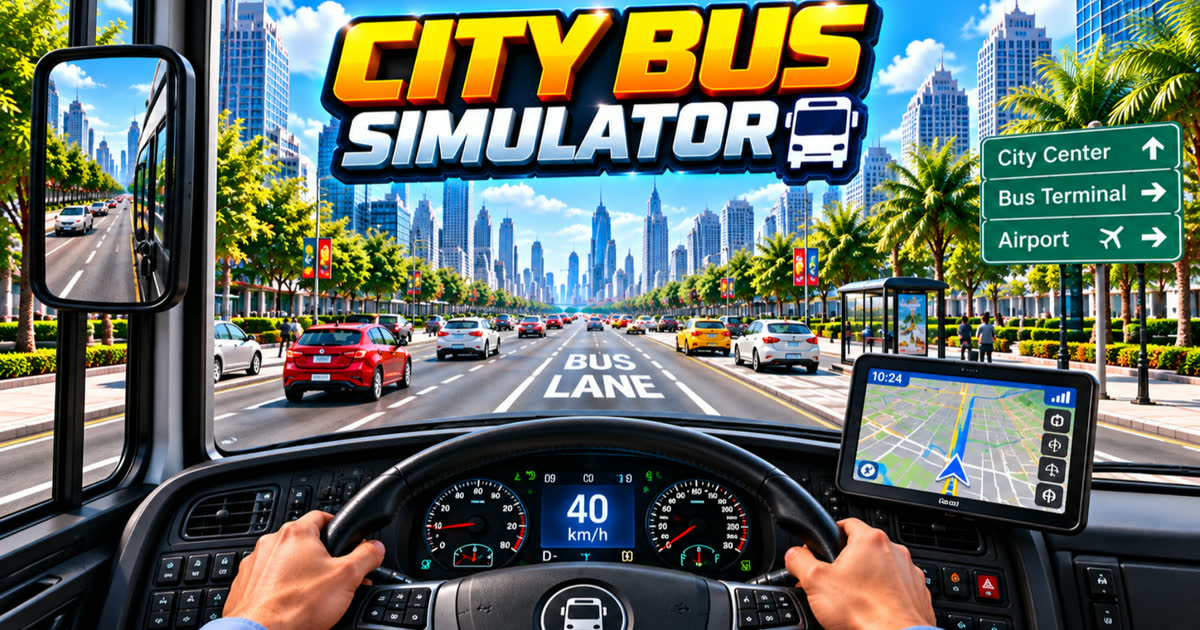
★ 4.5·321 votes on Playgama·Free·No downloadCity Bus Simulator Driving Games puts you behind the wheel of a double-decker bus in a 3D city.
 Beam Drive Car Crash Test Simulator
 Drift Rush
 Car Destruction King
 Bus Parking Out
 Speed Evolution
 Shape Transforming
 Ragdoll Racing
 Mini Wheels
 Moto X3M
 OBBY
 Hilltop Hustle
 Obby
 Gym Simulator Online, Escape
 Sky Circuit
 Bus Escape
 Drink the Ocean
 Peppermint Peaks
 Build a Skyscraper!
 Evolution Simulator
 Derby Smash
 My Arcade Center
 Eat Blobs Simulator
 Flip Throttle
 Idle Game Dev Simulator
 Steal An Egg - Grow Animals
 Dig Deep
 Tap 3D Wood Block Away
 Arrow Cube 3D
 Car Wash Tycoon
 Football Free Kick
 Gym Boss
 Car Park Escape
 Obby
 Bridge Builder
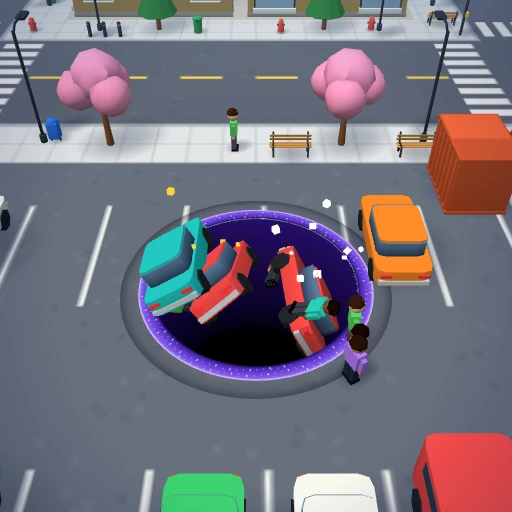 City Swallow
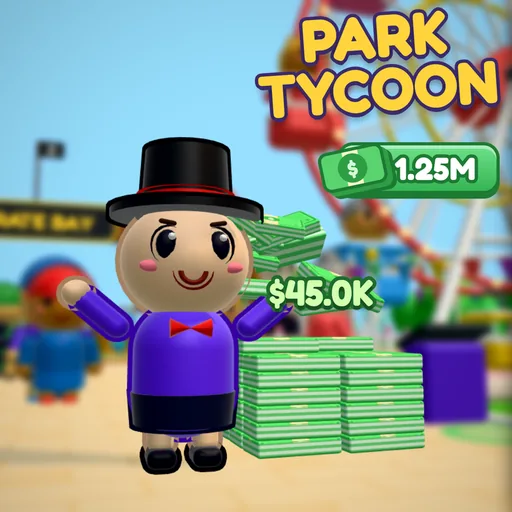 Park Tycoon
 Snowboard Knockout
 Rooftop Rush
 Wonder Goal
 Collect Brainrot Arena
 Gobble Hole
 Egg Empire
 Figure skating
 Kaiju Rampage
 Santa Gift Delivery Christmas Game
 Catch the Snowmen!
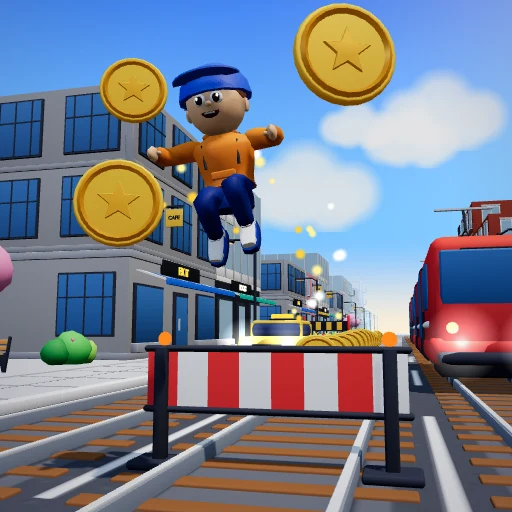 Street Dash
 Sunny Acres
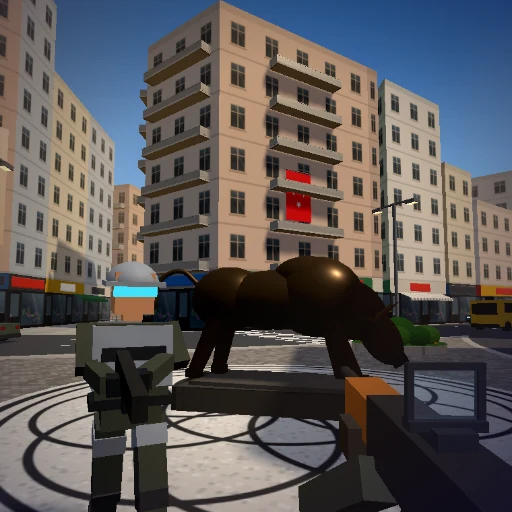 Arena Duel
 Jelly Gulp
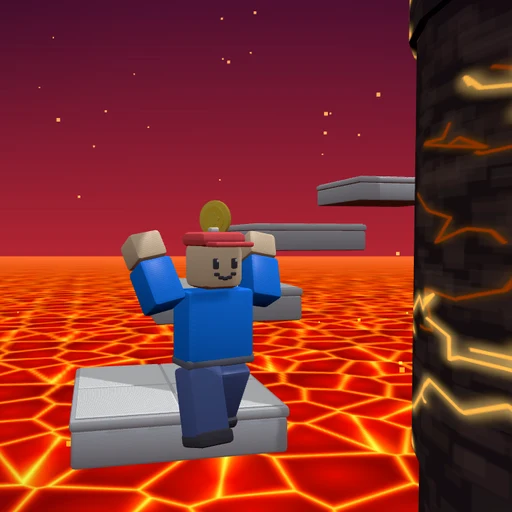 Lava Tower
 Penalty Kicks
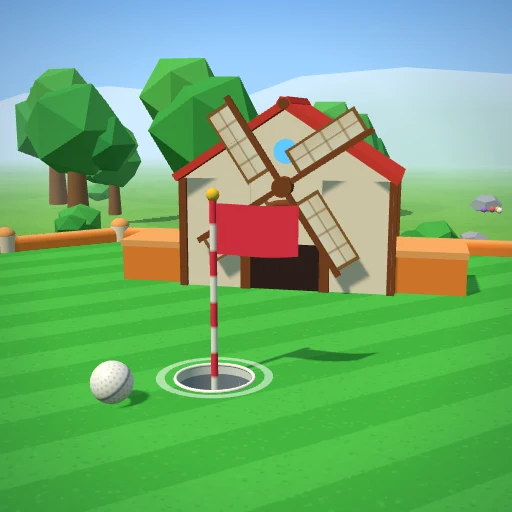 Putt Paradise
 Merge Legion
 Sky Ace
 Rocket Chicken
 Tunnel Vortex
 Plow Town
 Pin Palace
 Block Nights
 Voxel Vale
 Snack Truck Tycoon
 Lane Leap
 Delve Squad
 Treadmill Trials
 Jelly Mob Rush
 Harvest Rush
 Sky Stack
 Elf Toy Hospital
 Claw Quest
 Pickaxe Peak
 Bloxy Garden
 Shelf Spell
 Neon Rollway
 Rail Fixer
 Titan Dash
 Tempo Slash
 Spiral Drop
 Bid & Flip
 Critter Heist