Free games for school
A hand-picked list of calm, kid-safe games for the classroom and the school library: math, words, logic, geography and short brain breaks. They run in any modern browser, including school Chromebooks and tablets.
Math and numbers
Number sense, adding to ten and planning ahead.
 Number Match
 2048
 Sudoku
 Nono Pix
Words and typing
Spelling, vocabulary and typing speed, in 12 languages.
 Word Spark
 Word Hunt
 Type Rush
Geography
Flags and capitals of the world.
 Flag Master
Logic and strategy
Classic board games against the computer and logic puzzles that train patience.
 Chess
 Crown Checkers
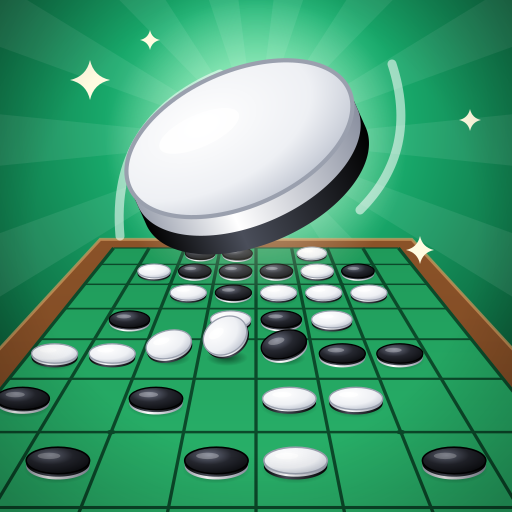 Reversi
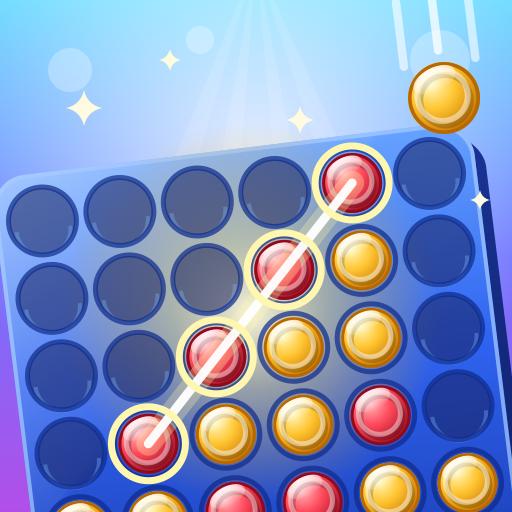 Four in a Row
 Mancala Grove
 Nine Men's Morris
 Dots and Boxes
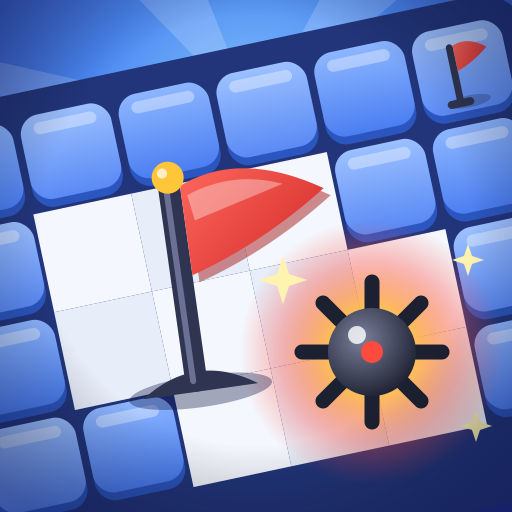 Minesweeper
 Royal Regions
 Untangle Lines
 Link Dots
 Color Pour
 Aqua Pipes
Brain breaks (2 to 5 minutes)
Short, calm games for the last minutes of a lesson.
 Pair Parade
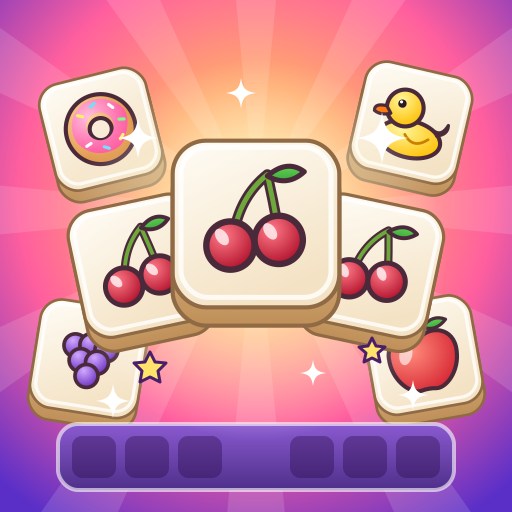 Tile Trio
 Tile Connect
 Jigsaw Haven
 Pixel Paint
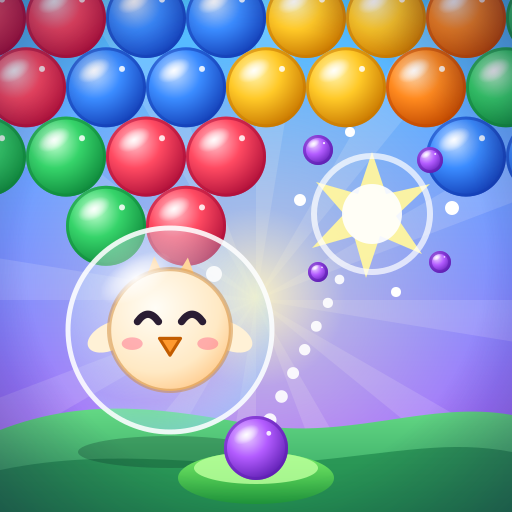 Bubble Breeze
 Sky Stack
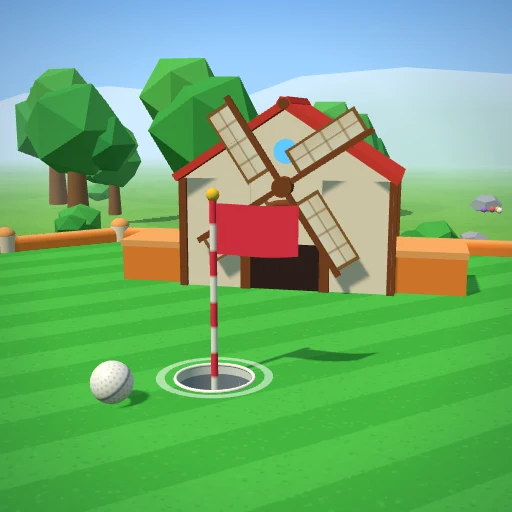 Putt Paradise
Holiday games for the last week of term
Festive puzzles and calm Christmas games for the week before the winter break.
 Trim the Tree
 Twinkle Lights
 Hidden Holly
 Merry Merge
 Christmas Bubble Pop
 Elf Toy Hospital
Why teachers use these games
- Free, with nothing to install: the games run in the browser on Chromebooks, Windows, Mac, iPads and Android tablets.
- No account needed: students press Play and start. Signing in is optional and only saves progress.
- No ads in the games on this page and no open chat. Games from other studios, which show their own ads, are never on this list.
- Kid-safe: no blood, no horror, cartoon looks and short rounds.
- 12 languages, so the games also fit language lessons and mixed classrooms.
- Chess is the only game on this page with online play against other people: there are nicknames and preset phrases only, no free chat, and students can play against the computer instead.
For teachers: add these games to Google Classroom, Canvas or Google Sites ›
Frequently asked questions
Are these games free for schools?
Yes. Every game on this page is free to play in the browser, with no download, no account and no payment.
Do the games work on Chromebooks?
Yes. They are HTML5 games that run in Chrome and other modern browsers, so they work on school Chromebooks, laptops, iPads and Android tablets without installing anything.
Popyca is blocked at my school. What can I do?
Some school filters block game sites. Popyca does not try to get around filters. Ask your IT team to allow www.popyca.com (and cdn.jsdelivr.net, which a few 3D games use for their graphics library).
Can I put a game on my class page?
Yes. Our page for teachers explains how to add a game to Google Classroom, Google Sites, Canvas or Schoology with a copy-paste code. Embedded games run without ads.
What data do the games collect?
Students do not need to sign in or give any personal data to play. We count plays anonymously and measure visits with Google Analytics; in Europe, the UK, Switzerland and Türkiye analytics cookies are only set after consent. Details are in our privacy policy.