Best played sideways: turn your phone
Mouse click: open doors and tap objectsTouch: tap anything in the scene
My Town Home: Family Playhouse
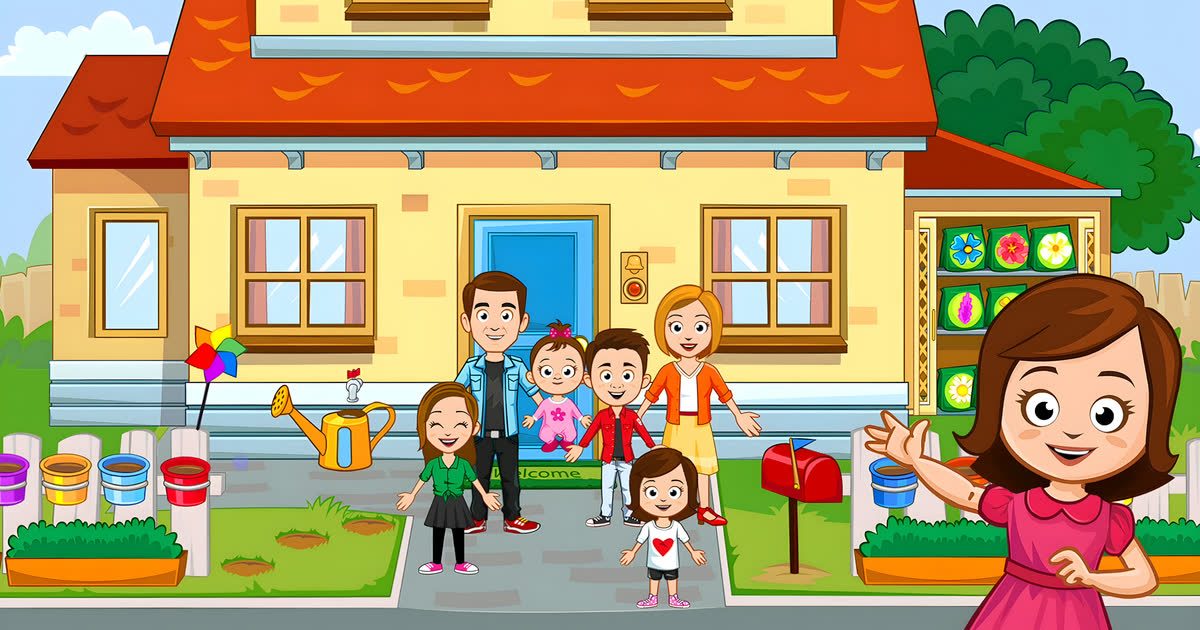
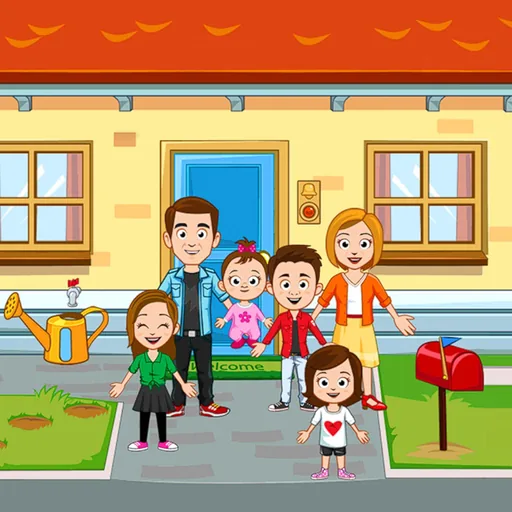
★ 4.5·6,202 votes on Playgama·Free·No downloadMy Town Home: Family Playhouse is a dollhouse-style game with no score and no timer.
 TB World
 Pair Parade
 Piece of Cake
 Hedgies
 Skyburst
 Animal Hair Salon
 Cozy Coloring
 Hidden Holly
 Yarn Fever! Unravel Puzzle
 Home Design
 Sunny Acres
 Dream Home
 Sunny Farm
 Merry Merge
 Egg Empire
 Fruit Merge
 Trim the Tree
 Word Finder
 Find the Frog - Hidden Objects
 Twinkle Lights
 Tap 3D Wood Block Away
 Coloring Book
 Color Pour
 Hidden Objects
 Bus Escape
 Bubble Breeze
 Color Pixels - Coloring by Numbers
 Wood Blocks Jam
 Jigsaw Haven
 Jewel Magic
 Sticker Art Book Puzzle
 Grid Blast
 Merge World
 The MachinEGG
 Sky Stack
 Color Cube Puzzle
 Home Design - Match 3
 Ripple Reel
 Arrows Cube
 Tracoria
 Tile Trio
 Winter Tale
 Sugar Blast
 Pixel Paint
 Hidden Object
 Hidden Object
 Plow Town
 Hidden Objects
 Word Cross
 Gobble Stack
 Hidden Object
 Arrow Cube 3D
 Trick Path
 Arrows Out!
 Find Out Hidden Object
 Voxel Vale
 Mystery of the Old House
 Beam Drive Car Crash Test Simulator
 Tag Tumble
 Elf Toy Hospital
 Claw Quest
 Shelf Spell
 Rail Fixer
 Avalanche Dash
 Bid & Flip
 Sleigh Rush
 Dots and Boxes
 Snowball Showdown
 Peppermint Peaks
 Classic Solitaire
 Hilltop Hustle
 Putt Paradise
 Ludo Party
 Hoop Hero
 Draw Rescue
 Pin Palace
 Lane Leap
 Burger Rush
 Car Park Escape
 Four in a Row