
Mouse click: pick a color number and paint squaresTouch: tap to paint, pinch to zoom
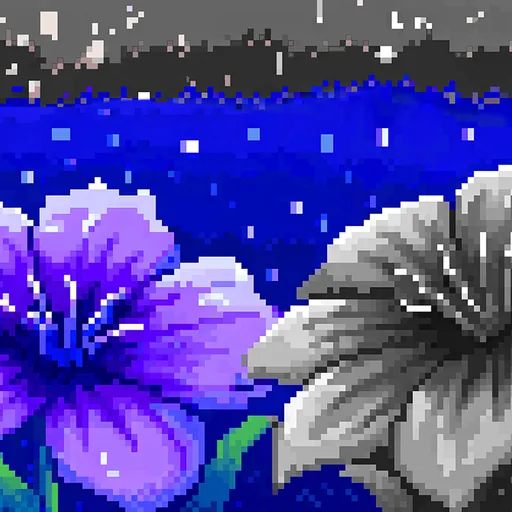
Color Pixels - Coloring by Numbers
★ 4.7·7,827 votes on Playgama·Free·No downloadColor Pixels is a color by number game made of pixel art.
 Coloring Book
 Pixel Paint
 Sticker Art Book Puzzle
 Cozy Coloring
 Nono Pix
 Tracoria
 Hidden Objects
 Color Pour
 Piece of Cake
 Fruit Merge
 Bubble Breeze
 Word Finder
 Find the Frog - Hidden Objects
 Jigsaw Haven
 Tap 3D Wood Block Away
 Bus Escape
 Grid Blast
 Yarn Fever! Unravel Puzzle
 Wood Blocks Jam
 Gemby
 Jewel Magic
 Merge World
 Shelf Spell
 Dream Home
 Color Cube Puzzle
 Pair Parade
 Sunny Farm
 Home Design - Match 3
 Hidden Holly
 Arrows Cube
 Winter Tale
 Merry Merge
 Sugar Blast
 Hidden Object
 Tile Trio
 Hidden Object
 Hidden Objects
 Untangle Lines
 Word Cross
 Hidden Object
 Trim the Tree
 Arrow Cube 3D
 Arrows Out!
 Twinkle Lights
 Find Out Hidden Object
 Mystery of the Old House
 Arrow Escape
 The Queen's Jewels
 Bus Parking Out
 Christmas Bubble Pop
 Diamant
 Word Search Hidden Words
 Bolt Bench
 Bridge Builder
 TB World
 Hexa Bloom
 My Town Home
 Hedgies
 Color Flood
 Home Design
 The MachinEGG
 2048
 Wonder Goal
 Egg Empire
 Sudoku
 Figure skating
 Santa Gift Delivery Christmas Game
 Mahjong Garden
 Catch the Snowmen!
 AOD - Art Of Defense
 FreeCell
 Moto X3M
 Geometry Vibes
 Pyramid Solitaire
 Snowboard Knockout
 Snowball Dash
 Aqua Pipes
 Animal Hair Salon
 Needle Rush
 Hop Aboard