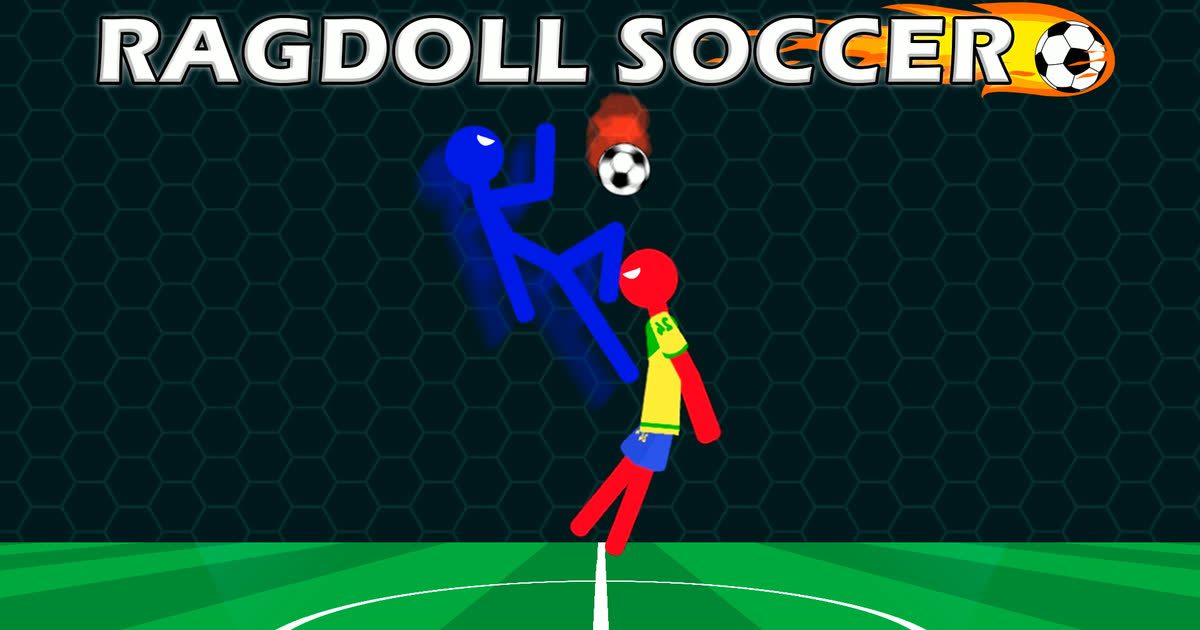
Best played sideways: turn your phone
W A S D: move and jumpTouch: on-screen controls
Ragdoll Soccer
★ 4.7·9,184 votes on Playgama·Free·No downloadRagdoll Soccer is a 2D football game played by stick figures.
 Soccer Random
 Noggin Ball
 Basket Random
 Basketball Stars
 Penalty Kicks
 Football Free Kick
 Eat Blobs Simulator
 Neon Puck Duel
 Wonder Goal
 Collect Brainrot Arena
 Stick Brawl
 Geometry Vibes
 Ragdoll Racing
 Gridiron Glory
 Snowboard Knockout
 Golf Orbit
 Cue Club
 Gym Boss
 Figure skating
 Darts vs AI
 Shape Transforming
 Moto X3M
 Arrow Duel
 Geometry Arrow 2
 Snake 2048
 Jelly Sumo
 Needle Rush
 Idle Game Dev Simulator
 Mancala Grove
 Snowball Dash
 Santa Gift Delivery Christmas Game
 Tag Tumble
 Catch the Snowmen!
 Peppermint Peaks
 Ski Jump
 Pair Parade
 Avalanche Dash
 Ember & Frost
 Chess
 Putt Paradise
 Ludo Party
 Hoop Hero
 Soulgear Clash
 Pin Palace
 Four in a Row
 Dice Rally
 Fleet Strike
 Ripple Reel
 Crown Checkers
 Nine Men's Morris
 Reversi
 Strike Alley
 Tic Tac Toe
 Dots and Boxes
 City Swallow
 Neon Serpents
 Gobble Hole
 Bubble Breeze
 Color Claim
 Sky Ace
 Rocket Chicken
 Pulse Dash
 Sky Circuit
 Tunnel Vortex
 Plow Town
 Gobble Stack
 Kaiju Rampage
 Trick Path
 Rope Rascal
 Shadow Leap
 Dig Deep
 Splinter Spin
 Snack Truck Tycoon
 Lane Leap
 Delve Squad
 Treadmill Trials
 Tank Brawl
 Jelly Mob Rush
 Pinball Nova
 Harvest Rush